Blog Create
Writing a 15-second video: one hook, three scenes, 32 words
A simple method for short vertical videos: grab attention in the first second, tell it in three shots and land one single idea.
Published · 6 min read · By the Glimmry team
Why 15 seconds
A Glimmry video lasts 15 seconds: three 5-second scenes, vertical, with at most 12 spoken words per scene and 32 in total, in English. It’s short on purpose: on TikTok, YouTube Shorts or Instagram, people decide whether to keep watching in the very first seconds.
The constraint forces choices. A 15-second video doesn’t tell everything about a product: it makes people want to know more, with one single idea.
The first second: the hook
The hook is what stops the thumb. TikTok’s published creative guidance describes the same structure good short videos share: a hook, a development, a close. For the hook, it stresses surprise, suspense, emotion and movement.
- Start in the middle of the action. No “Hi everyone”: your creator is already doing something.
- Show before you tell. Movement, contrast or a reveal work without sound.
- Ask a question the video answers. A hook that promises without delivering makes people drop off, and costs trust.
In the app, the library offers 100 hooks: each pairs a visual opening with an optional line, in ten families (curiosity, contrast, questions, demonstration, story, challenge, reveal, everyday life, apps, product). They’re starting points to adapt, not formulas with measured performance.
Three scenes, three jobs
- Scene 1
- The hook: an action already underway, a question or a contrast. This is the scene that must be the most visual.
- Scene 2
- The development: show the problem, the use or the product fact from the brief. One piece of information.
- Scene 3
- The payoff: the answer to the opening question, and one idea to remember. For an app, your real screenshot appears here, in an iPhone frame.
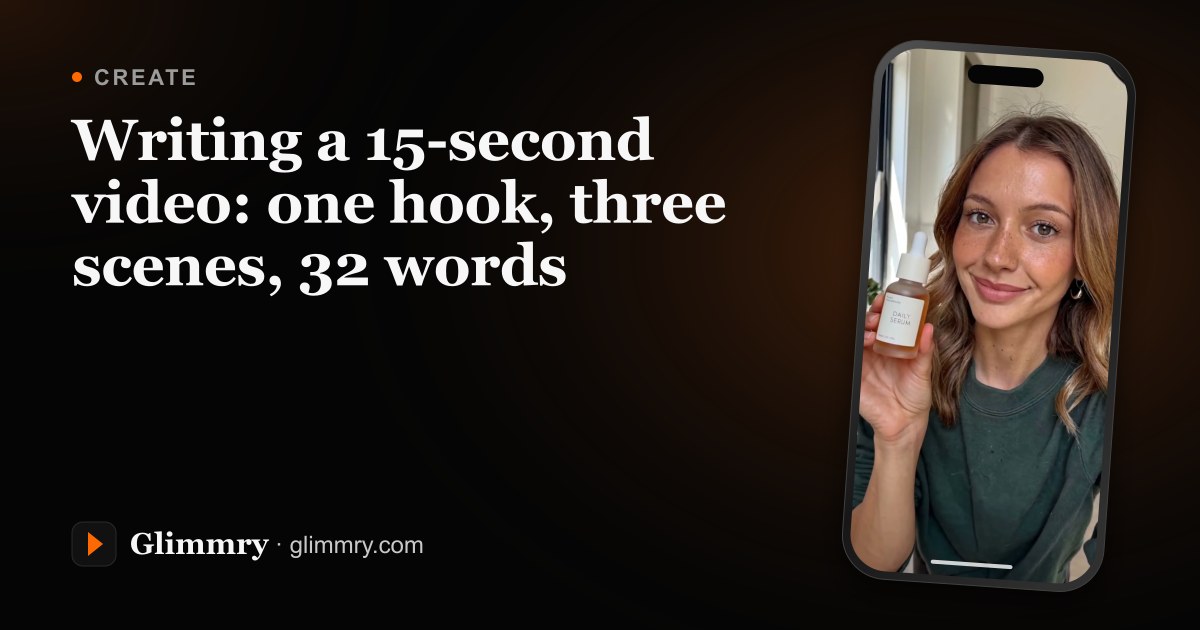
For a cosmetic product, the same structure could introduce the bottle, show a detail such as the dropper, then return to the presenter with a clear closing line. Keep each scene focused on the product facts in the brief.
32 words, not one more
In 15 seconds, a natural voice says about two words per second, with no room to breathe. Hence the 32-word limit: beyond it, the voice runs over: a voice longer than 14.5 seconds sends the project back to the script, before the image and video are generated.
- One sentence per scene, 12 words at most.
- Cut adjectives that prove nothing (“amazing”, “revolutionary”).
- Prefer a number or a concrete gesture to a promise.
- No emoji, links, hashtags or dashes in the lines: they can’t be spoken. Put them in the caption.
- A scene can stay silent if the picture is enough, but the voice is a single take: it starts in the first scene, with no silence between two lines.
What your creator never says
An AI creator presents; it doesn’t give testimonials. A few habits to keep:
- no “I tried it”, “since I started using it” or “it changed my life”: a virtual character hasn’t tried anything;
- no promised results, no before-and-after, no medical, financial or legal advice;
- no invented features: only the facts from the brief or your app’s description;
- no invented interface: to show an app, add a real screenshot;
- animals don’t talk on screen: their lines become an off-screen inner voice.
A complete example
For a calorie-tracking app whose brief says “Snap your plate, know your calories in seconds”:
- Scene 1
- Close-up on a huge plate of pasta; the creator stares at it, eyebrows raised. “How many calories is on this plate, honestly?” (9 words)
- Scene 2
- They take out their phone and photograph the plate. “One photo of the plate, nothing to weigh, nothing to scan.” (11 words)
- Scene 3
- The app’s real screenshot appears in an iPhone frame. “Snap your plate and know your calories in seconds.” (9 words)
29 words, one question, one gesture, one answer. No “I lost weight”, no promised results: only what the app does, according to its brief.
Test several openings
No hook works every time. For the same idea, change the first scene above all: a question, then a contrast, then a reveal. Then compare each video’s views. Instagram even offers “Trial Reels”, shown to non-followers first, for this kind of test.
Sources consulted:
Find your next brand campaign
Choose a brief and a rate, prepare your video with the built-in studio, get it approved and earn from verified views.
Coming soon to the App Store