Brand campaigns · iPhone and iPad
Brands to promote. Views that pay you.
Once your application is accepted, choose a campaign, prepare a video from the brief and get it approved. Post on your social accounts and earn the agreed rate per 1,000 verified views. The built-in AI studio helps you make your videos, even without filming yourself.
- Application required
- Rate shown before joining
- Verified views
Private beta on TestFlight: the App Store release is being prepared.
Campaigns
Approval required
Your next campaign starts here.
Complete your application. Once accepted, unlock brand briefs, rates and available spots.
Complete my application →
01 Complete your application
02 Wait for team approval
03 Explore campaigns
Watch the product demo
The campaigns
A brand, a brief, a clear rate
-
A brief to guide you
The brand’s goal, the product to show, suggested hooks and things to avoid: every campaign gives you a clear starting point for your video.
-
Your rate up front
The rate per 1,000 verified views, cap per video and remaining spots are shown before you join. Joining a campaign is free.
-
Approval before posting
The team reviews your video for the brand. Track its status and any requested changes from your campaign participation.
-
Results tracked in the app
Published links, view evidence, pending and available earnings: follow your campaign participations and their earnings in one place.
How it works
From your first campaign to your first earnings
A clear way to work with brands: the brief guides you, the brand approves the video and your verified views determine your earnings.
-
Choose your campaign
Complete your access application and wait for approval. Once accepted, explore campaigns with the brief, platforms, rate and cap up front.
-
Prepare your video
Choose or reuse a creator suited to the campaign. Their face and defining features stay the reference for each new video. Use the studio to shape the brief into a 15-second vertical video, then review and edit it.
-
Get approved and post
Send your video to the team for brand review. Once approved, post it on a platform accepted by the campaign, with ad and AI labels, then add its link in the app.
-
Track your earnings
Send a screenshot of your statistics. Our team verifies the views and your earnings follow the campaign’s rate and cap. From $25 available, you can request a payout through Whop.
Earnings
How much does it pay? Slide and see.
See how verified views, the campaign rate and a per-video cap determine earnings. Adjust the example to understand the math.
Illustrative earnings
$5.00
for this video
20,000 verified views ÷ 1,000 × $0.25 = $5.00
Cap of $10.00 per video: not reached.
A worked example, not an earnings promise or an available campaign offer. Your campaign sets the actual rate and cap. Only verified views count. Payouts require at least $25 available and approval.
Your earnings show up in the Earnings tab as soon as your views are verified. From $25 available, you request your payout through Whop.
More scenarios in the simulatorBrands
Are you a brand or an app?
Post a brief, set your rate per 1,000 verified views and a cap per video. Virtual creators present your product in labeled vertical videos, with no fake testimonials.
Glimmry for brands- A brief, a rate per 1,000 views and a cap per video
- Every video approved before it’s posted
- A private report link: every post and its views
- Launch phase: we set up your campaign with you
Included tools
A studio to prepare your campaigns
| Feature | Details |
|---|---|
| Campaigns | Application with an ID document checked by hand, free to join |
| Views | Post link and a statistics screenshot, checked by our team |
| Payouts | Through Whop, after approval, from $25 available |
| Creators | A person, a cat (12 breeds), a dog (14 breeds), a rabbit, a fox, a panda, or any animal described in text or a photo |
| Consistent identity | Your creator’s face, hair, skin tone and defining features guide every video, helping keep the same recognizable identity across campaigns |
| An AI version of you | From your photo (18 or older), or your pet’s, if you own the rights |
| Portraits | 4 options per request, 3 requests a day during the beta |
| Video | 15 seconds, vertical 9:16, 720p, English voice and script |
| Videos per day | 1 per device during the beta |
| Script | 3 scenes, 32 spoken words at most, editable before generation |
| Subtitles | Exact script text, on by default |
| AI labels | Burned into the picture, plus “AD” for a campaign |
| Export | Save to Photos, share the MP4 |
| Languages | App and videos in English (US) |
| Devices | iPhone and iPad on iOS 17 or later. Android: not yet |
Pricing
Is Glimmry really free?
Joining a campaign is free once your application is approved. During the beta, the creation tools are also free within the daily limits below. The studio shows each video’s price before creation and marks it as free.
When the beta ends, prices will be shown in the app before any purchase.
Beta
$0
No in-app purchase, no subscription, no credit card.
- Free to join campaigns, once your application is approved
- 3 portrait requests a day (4 options each)
- 5 scripts and one 15-second video a day
- 100 hooks, angles, product image and app link
- Export to Photos and MP4 sharing
- No ads, no trackers
Coming soon to the App Store
Our commitments
How Glimmry works
-
You post when you want
You post the approved video yourself, on your TikTok, YouTube or Instagram account, whenever you choose.
-
Views checked by a team
You paste your post’s link and a screenshot of its statistics: our team checks and records your views.
-
You, or a made-up character
Create an AI version of yourself from your photo, or a made-up character, always labeled as AI.
-
A trustworthy presenter
Your creator presents the product with the facts from the brief: a clear presentation people can trust.
-
Earnings tied to your views
Brands pay for verified views at the rate shown before you join, up to the campaign’s cap per video.
-
An app that keeps growing
iPhone and iPad today, videos in English to reach the widest audience. Android and account backup come next.
Who is it for?
For creators who want to join brand campaigns and earn from verified views, even without filming themselves. For brands and apps that want their brief followed, videos approved and publications tracked.
Your data
No password, no ads, no trackers. An email address only when you apply for campaigns or request a payout. Your ID document is read by a person on our team, never sent to an AI, and deleted after the decision (30 days at most).
FAQ
Frequently asked questions
What is Glimmry?
Glimmry is an iPhone and iPad app for joining brand campaigns paid per 1,000 verified views. Choose a brief and a rate, prepare your video, get it approved and track your earnings. The built-in AI studio helps you create labeled videos with a virtual character, even without filming yourself.
How do you earn from a campaign?
With Glimmry, you make money by joining a brand campaign: you create the video in the app, it’s approved, you post it on TikTok, YouTube or Instagram, and you earn the campaign rate for every 1,000 verified views, up to the cap per video. Payouts go to Whop from $25 available. The full calculation.
Why do I need to apply to view and join campaigns?
Because brands pay real money for these videos. Before viewing or joining campaigns, you complete an application and wait for acceptance. The application includes: your name, date of birth, email, country, your social profile, a few words about your content, and a photo of an identity document.
A person on our team reviews it by hand; no approval time is guaranteed. The document is never sent to an AI and is deleted after the decision, or after 30 days without a decision. Every account goes through this step, including existing ones.
How are views counted?
Once your video is approved and posted, you paste its public link in the app (TikTok, YouTube or Instagram). Then you send a screenshot of the post’s statistics with the number of views you see.
Our team checks each proof and records the verified views. Your earnings stay “pending” until the views are final, then become available. Bought or artificial views are excluded.
How do payouts work?
Once you have at least $25 available, you can request a payout of an amount within your available balance to your linked Whop account. During the beta, payouts require admin approval: the request then shows as paid, with its reference, or refused, with the reason.
Blog
Latest articles
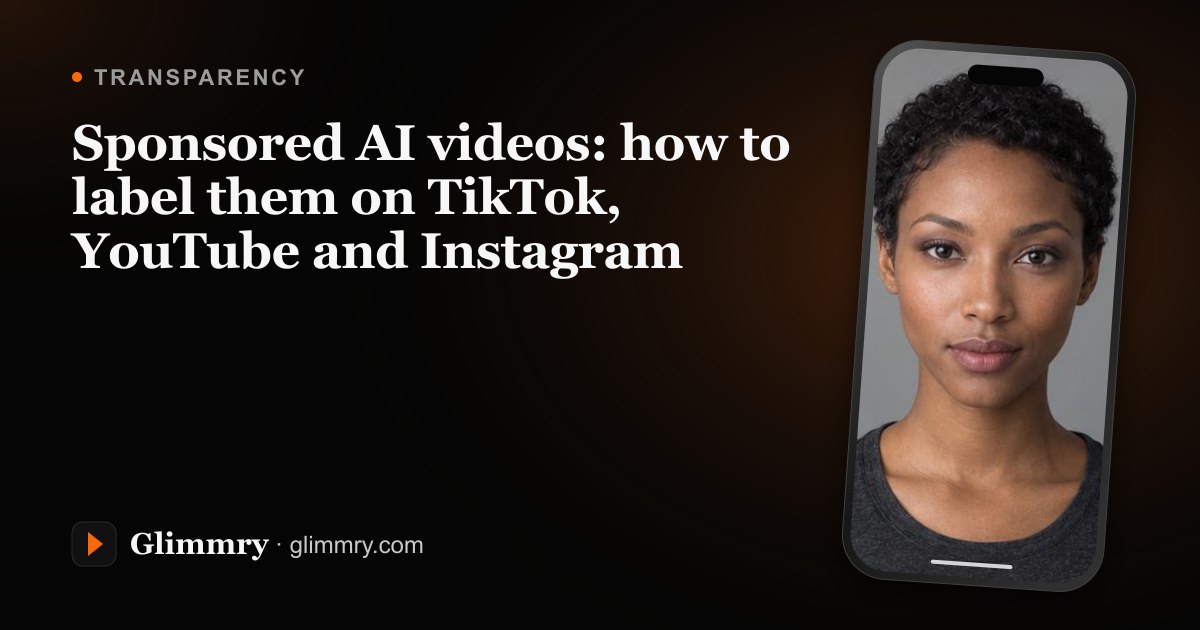
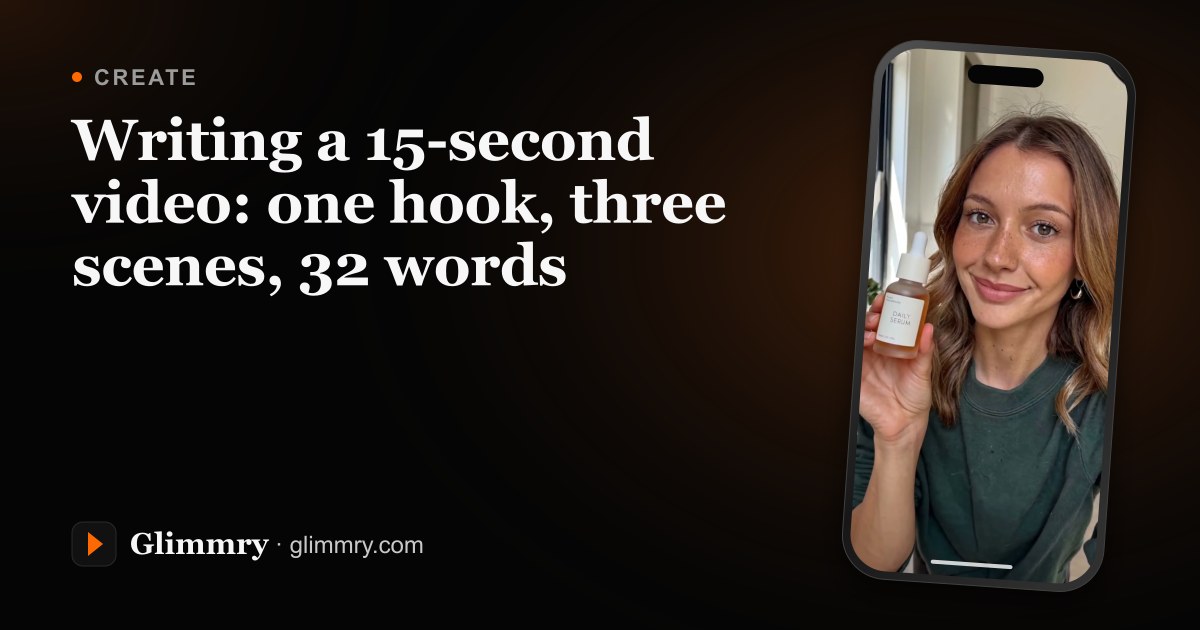
Your next campaign starts here
Glimmry is in private beta on TestFlight. The App Store release is being prepared, for iPhone and iPad.
Coming soon to the App Store
iPhone and iPad, iOS 17 or later. Android: not yet.