Blog Create
What is an AI UGC creator? Definition, how it works and uses
An AI UGC creator is an AI‑generated character who presents products in short, authentic-style videos. Definition, how it works and best practices.
Published · 7 min read · By the Glimmry team
In short
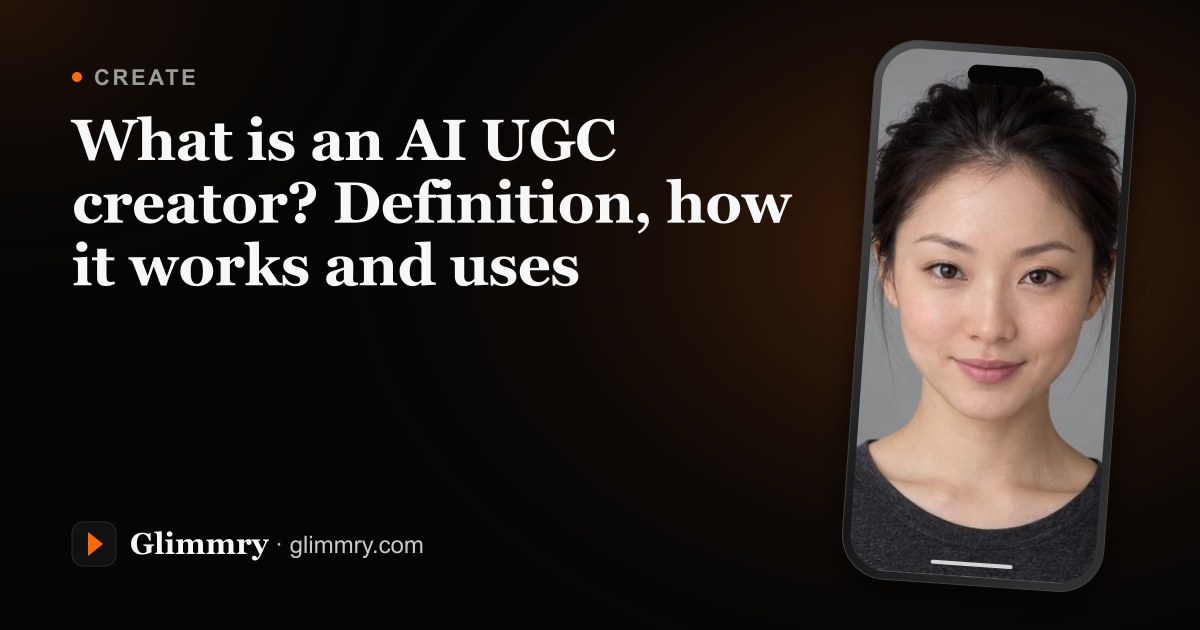
An AI UGC creator is a character generated by artificial intelligence, human or animal, who presents a product, an app or an idea in a short vertical video with a natural, creator-style tone. It is openly declared: every video states that its images are AI‑generated.
UGC stands for user-generated content. In marketing, it means those videos shot to camera at home, talking about a product in plain words. An AI UGC creator keeps that format, but the face, the voice and the footage are generated. Here is how one is made, what it is used for and how to use it well, with the example of Glimmry, the brand campaign app.
What is an AI UGC creator?
Three things define it:
- a stable identity: the same face (or the same animal) from one video to the next, with a name and a short backstory;
- a format: short 9:16 vertical videos made for TikTok, YouTube Shorts or Instagram Reels;
- transparency: the video clearly says its images are AI‑generated.
That last point is what makes it valuable. An AI UGC creator is a presenter: it shows, explains and tells a story. It never claims to have used a product for three weeks. On Glimmry, the script never says “I tried it” and never invents a result: the character presents, it doesn’t testify.
Why does the UGC format work so well?
A UGC video looks like what people already see in their feed: someone in their kitchen, a close shot, one direct sentence. It sounds like a friend, not a TV spot. For a brand, the format has another advantage: it is quick to produce and easy to vary, with a different hook, a different setting or a different angle.
An AI UGC creator adds two things. You can make a video with no camera, no lighting and no shoot. And the character stays the same from one video to the next, which builds a recognisable presence on an account.
How does an AI UGC creator work?
In Glimmry, every creator is made the same way:
- you pick your character: a fictional person built trait by trait (starting face, skin tone, age, hairstyle, eyes, style, filming location and more), an AI version of yourself from your photo, a cat, a dog, a rabbit, a fox, a panda, or any animal you describe in text;
- the app suggests 4 portraits in about a minute, and you keep one and give it a name;
- Glimmry privately prepares their visual identity in the background. Their face, hair, skin tone and defining features guide every new video, helping keep the same recognizable creator;
- for each video, you pick an angle and a hook, then the app writes a script in English: 3 scenes of 5 seconds, 32 spoken words at most, which you read and edit before anything is generated;
- when you tap “Create video”, Glimmry generates the voice (one fixed voice per creator, reading the lines word for word), a 9:16 opening frame, then a 15-second vertical video in 720p.

Under the hood, Glimmry relies on well-known models through the Kie.ai API platform: Google’s Nano Banana Pro for images, Gemini 3.8 Flash for scripts, ElevenLabs for the voice and ByteDance’s Seedance 2 for video.
What is an AI UGC creator used for?
Glimmry’s studio offers six angles that cover the most common uses:
- Fun
- a funny or surprising everyday scene
- UGC
- the simple, direct to-camera tone
- App promo
- the app’s real screenshot appears as is, in an iPhone frame, in the last shot
- Product
- a photo of the product serves as the visual reference
- Storytelling
- a mini story told in three scenes
- Custom
- your own idea, in your own words
For a creator, it is a way to grow an account without filming yourself. For a brand or an app publisher, it is a way to test several hooks quickly. Glimmry connects the two with pay-per-view campaigns. Accepted creators can view the available briefs, rates and caps in the app. The full math is in our guide to CPM payouts.

Best practices
Show the AI clearly
Every video Glimmry exports has “AI‑GENERATED IMAGES” burned into the top of the picture, and “AD · AI‑GENERATED IMAGES” for a campaign video. When you post, also switch on the platform’s AI label and, for sponsored content, the paid-partnership setting. Our guide on how to label sponsored AI videos covers each platform.
Nail the first second
In a 15-second video, the opening does most of the work. The studio offers 100 hooks in 10 families (curiosity, contrast, questions, demonstration, story, challenge, reveal, everyday life, apps, product) and a “Find me an idea” button. The full method is in Writing a 15-second video.
Present rather than testify
A line like “Snap your plate, know your calories in seconds” (an illustrative app-promotion hook) works perfectly with an AI creator. It describes what the product does without giving the character an experience it never had.
Keep the same character
Reuse the same creator from one video to the next. Their face, hair, skin tone and defining features remain the visual reference, helping your audience recognize them as the product, script or setting changes. All their videos are gathered on their page, under “My videos”.
Where do you start?
Glimmry, the brand campaign app, is in private beta on TestFlight for iPhone and iPad (iOS 17 or later). The App Store release is being prepared, and Android will come later. The app and generated videos are in English, with US date and number formats.
The price is shown before every render (about $9.88 for 15 seconds with a voice) and generation is free during the beta, with 3 portrait requests, 5 scripts and 1 video per day. The app never posts for you: you save the video to Photos or share the MP4. To see the whole journey, from creating the character to joining campaigns, head to how it works.
Frequently asked questions
Is an AI UGC creator a real person?
No, an AI UGC creator is a character generated by artificial intelligence, unless you build an AI version of yourself from your own photo. Either way, every video exported by Glimmry has “AI‑GENERATED IMAGES” burned into the picture.
How long does it take to create an AI UGC creator?
It takes about a minute to get the 4 portraits Glimmry suggests, and you keep one of them. Glimmry then privately prepares the visual reference that helps keep your creator’s face and defining features consistent across videos.
Can an AI UGC creator say it has tried a product?
No, on Glimmry an AI creator presents a product but never gives a testimonial. The script never invents reviews like “I tried it” or results, because a generated character cannot have lived the experience.
Find your next brand campaign
Choose a brief and a rate, prepare your video with the built-in studio, get it approved and earn from verified views.
Coming soon to the App Store